

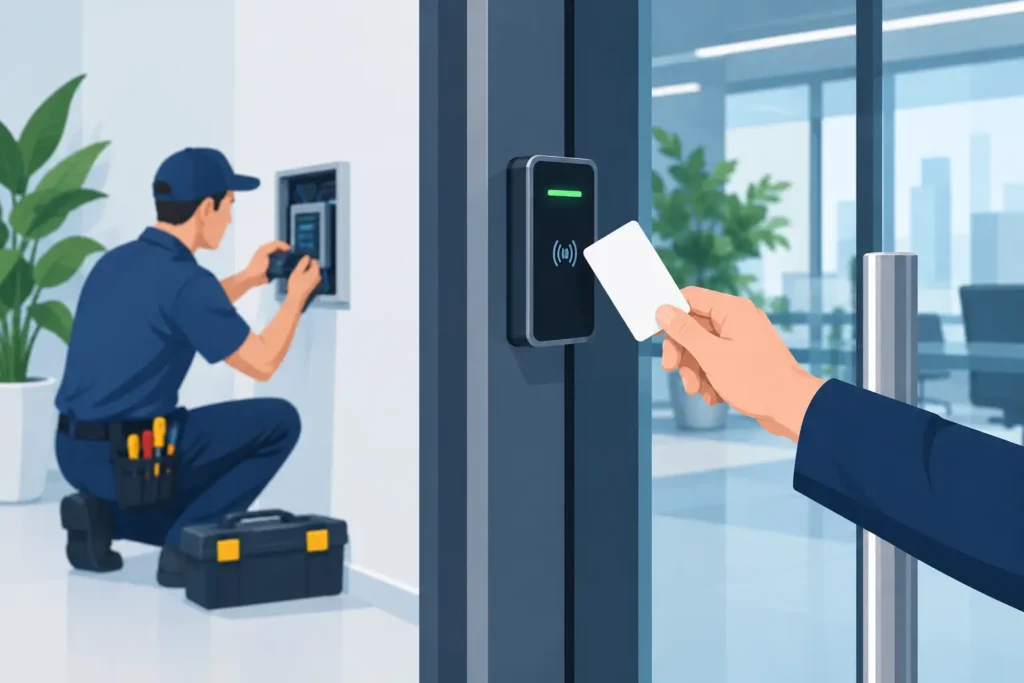
A door that locks is not necessarily a door that is controlled. Keys can be copied, cards can be shared, and a propped-open service entrance can undermine an otherwise secure property. Professional access control system installation gives property owners a clear answer to three operational questions: who entered, where they went, and when access was granted.
For a small office, that may mean replacing a shared key ring with managed credentials. For a warehouse, school, apartment building, or high-risk site, it can mean securing multiple entry points, limiting access by schedule, receiving forced-door alerts, and connecting events to video evidence. The right system is not defined by how many readers are installed. It is defined by how well it supports the way your property operates.
Start With the Property, Not the Hardware
Every effective installation begins with a site assessment. Before selecting readers, locks, credentials, or management software, a security professional should understand the building layout, daily traffic patterns, after-hours activity, and the specific risks at each opening.
A front office door has different requirements than a server room, loading dock, electrical room, pharmacy cabinet, or residential amenity space. Some doors need frequent credential access during business hours. Others should remain locked at all times, with access reserved for authorized staff and emergency responders. A site with delivery traffic may require scheduled vendor access, while a multi-tenant property may need separate permissions for occupants, maintenance teams, and property management.
This early planning prevents a common mistake: treating every door the same. Installing identical hardware everywhere can create inconvenience for staff, leave sensitive areas underprotected, or add unnecessary cost. A customized design matches the lock type, reader technology, door condition, and access rules to the function of each area.
Identify the Doors That Matter Most
Exterior doors are usually the first priority, but the highest-risk openings are not always at the front of the building. Rear entrances, shipping doors, roof access points, side corridors, and internal rooms containing records, cash, inventory, or network equipment deserve close attention.
During a site review, consider how each door is used. Is it a fire-rated door? Does it need to release during an emergency? Is it exposed to weather? Does it have an existing electric strike, magnetic lock, panic hardware, or automatic operator? These details affect both the installation method and the equipment needed for reliable performance.
What a Professional Access Control System Installation Includes
The visible reader at the door is only one part of the system. A complete installation brings together door hardware, cabling, controllers, power supplies, network connections, credentials, and software configuration. Each component must work correctly under normal use, during power interruptions, and when a security event occurs.
At the door, an installation may include a card, fob, mobile, keypad, or biometric reader, depending on the required level of assurance. Behind the scenes, a controller receives credential information and applies the access rules set by the administrator. Electrified locking hardware permits or denies entry, while request-to-exit devices, door contacts, and emergency release components help the system operate safely and report the true state of the door.
Professional installers also test whether doors close and latch properly. This is a practical issue with major security consequences. A sophisticated reader cannot protect a door that is misaligned, fails to latch, or is routinely held open by staff because the closer is too aggressive.
Fail-Safe and Fail-Secure: A Decision That Cannot Be Guessed
One of the most important design choices is how a door behaves during a power loss. Fail-safe hardware unlocks when power is removed. Fail-secure hardware remains locked when power is removed. Neither approach is universally correct.
Life-safety requirements, fire codes, emergency egress, occupancy type, and the purpose of the opening all influence this decision. For example, an employee exit must allow people to leave safely, while a restricted storage area may require a different configuration. The system should be designed with applicable code requirements and the property’s emergency plan in mind, not simply selected based on convenience.
Choose Credentials That Fit Daily Operations
Traditional proximity cards and fobs remain practical for many organizations. They are familiar, fast at the door, and easy to issue or deactivate. Mobile credentials can reduce the need to distribute physical cards and may suit organizations with a mobile workforce or multiple sites. PIN codes can add another layer of verification, though shared codes create accountability concerns if they are not carefully managed.
For areas requiring greater control, a two-factor approach may be appropriate. That could mean a card plus a PIN, or a mobile credential plus biometric verification. The trade-off is speed and convenience. Requiring more than one action at every door can slow staff movement, especially at shift changes or busy entrances.
The best choice depends on the people using the system. A facilities manager should be able to add, change, and remove credentials without a complicated process. When an employee leaves, access should be removed promptly. When a contractor needs temporary access, the system should allow a defined start and end time rather than relying on a key that may never be returned.
Integrate Access Control With Video and Alarms
Access events become more useful when they are connected to the rest of the security program. If a door is forced open or held open too long, a security team should be able to verify what happened quickly. Integrating access control with AI-powered CCTV can associate door events with recorded video, helping staff review the relevant moment rather than searching through hours of footage.
This connection also improves response. An alert showing that a rear door was opened at 2:15 a.m. means more when remote monitoring personnel can view the area, assess activity, and follow the appropriate escalation procedure. For many businesses, the value is not just knowing an event occurred. It is having a documented, timely response when it does.
Alarm integration can add another layer of control. Certain doors may remain restricted while an alarm system is armed, or authorized personnel may be able to disarm an area according to established procedures. These configurations should be planned carefully. Convenience features are useful only when they do not introduce gaps in security or create confusion during an incident.
Plan for Growth, Maintenance, and Real-World Use
A system that works well on opening day should also support the property six months or five years later. Businesses add employees, move departments, expand into adjacent space, or change operating hours. Residential properties add units and amenities. Institutions may need to accommodate seasonal staff, visitors, and changing access schedules.
Scalable system design avoids replacing the entire platform when another door, building, or credential group is added. It also gives administrators the ability to create clear access groups, such as management, cleaning staff, vendors, tenants, or IT personnel, rather than manually assigning permissions one person at a time.
Maintenance matters just as much. Doors experience constant use, weather exposure, vibration, and occasional misuse. Readers can be damaged, batteries and backup power require testing, and software should be maintained according to the system’s requirements. Regular inspections can identify issues such as loose hardware, damaged cabling, unreliable door contacts, or access permissions that no longer match current roles.
Train the People Responsible for Access
A well-installed system can still underperform if no one owns the day-to-day process. Designate administrators who understand how to issue credentials, revoke access, run reports, respond to alerts, and request service. Document procedures for lost cards, terminated employees, emergency access, and vendor entry.
This is also where audit trails become valuable. Access reports can help investigate an incident, confirm compliance with restricted-area procedures, or identify patterns such as repeated door-held-open events. Reports should support sensible oversight, not become a substitute for managing the underlying problem.
Avoid Common Installation Shortcuts
The least expensive quote is not always the lowest-cost decision. Systems can become expensive when cabling is poorly planned, doors are not evaluated for compatible hardware, or the installer leaves the customer with limited training and no support plan. A low upfront price may also exclude configuration, integration, credential enrollment, testing, or ongoing service.
It is wise to ask who will manage the system after installation, what happens when a critical door fails, how remote access is secured, and whether service is available after normal business hours. A security system is part of operations. If a main entrance will not lock, or staff cannot access a facility at the start of a shift, the issue needs a clear response path.
Maritect Investigations & Security Limited designs access control around the property, its people, and the level of response required. By combining managed access, video verification, alarm technology, and available protective services, the focus stays on continuous protection rather than simply placing a reader beside a door.
The most useful next step is to walk your site as an unauthorized person might: identify the doors that are routinely overlooked, the keys no one can account for, and the areas where an alert would change the outcome. Those are the places where a properly designed access control system begins protecting your operation.
