

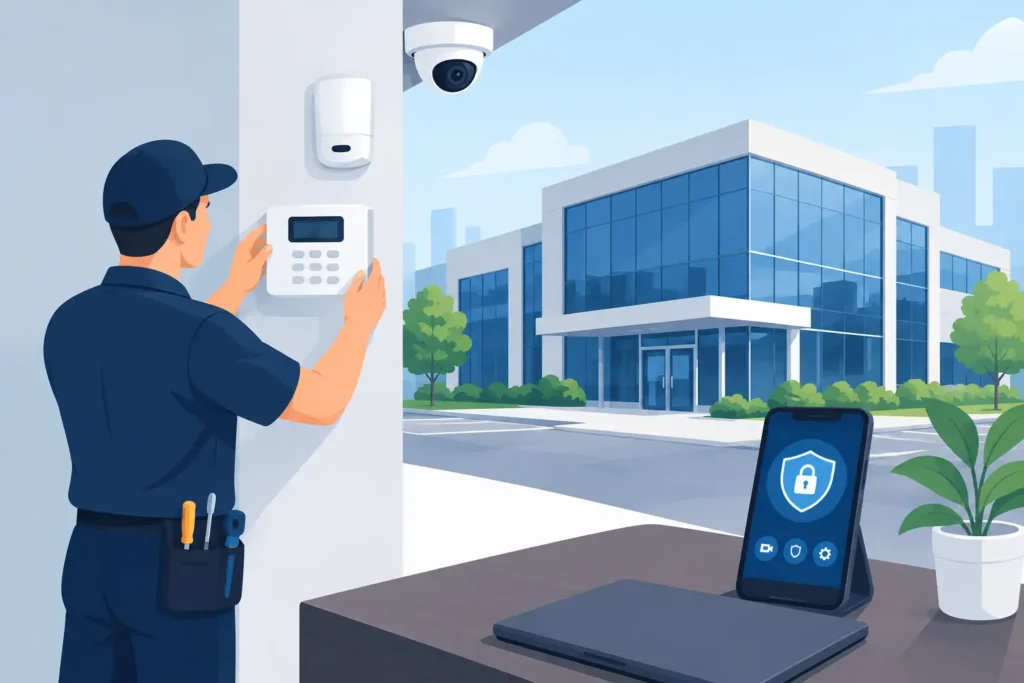
A rear service door propped open for ten minutes, a forced storage-room lock, or an employee entering an off-limits area can become a costly incident if no one knows it happened. Alarm system installation for businesses gives owners and facilities teams immediate awareness when a property is vulnerable – and a defined response when something goes wrong.
The right system does more than make noise. It helps protect people, inventory, equipment, records, and daily operations. When it is designed around how your site actually works, an alarm becomes part of a broader security program that supports faster decisions, documented events, and dependable after-hours protection.
Start With the Risks at Your Property
A business alarm should not begin with a standard equipment package. A retail store, office, warehouse, medical facility, construction site, and multi-tenant building may all need intrusion detection, but their exposure is different.
For a retailer, the primary concerns may be after-hours entry, cash-office protection, receiving-door access, and employee safety at opening and closing. A warehouse may require coverage for loading bays, fenced compounds, inventory areas, and large interior spaces. An office may need protection for server rooms, files, executive areas, or restricted floors rather than every open workspace.
A professional assessment identifies where an intruder could enter, which assets need additional protection, and what activity should trigger an alert. It also considers normal routines. If delivery crews use a side entrance before opening, that door needs a schedule and access process that do not create repeated false alarms.
Look Beyond Doors and Windows
Door contacts and glass-break sensors are useful, but they are only part of the picture. Motion detection can cover interior pathways after a perimeter breach. Panic buttons can give staff a direct way to request help during a threatening situation. Temperature, water, and power-loss sensors can alert a business to operational issues before they damage stock, equipment, or facilities.
The right mix depends on the property. More devices are not automatically better. Sensors must be placed where they provide meaningful coverage without conflicting with HVAC airflow, moving displays, pets, cleaning crews, or routine activity.
What a Professional Business Alarm Installation Includes
Effective alarm system installation for businesses is a process, not a one-day equipment drop-off. It begins with site planning and continues through testing, staff instruction, monitoring setup, and ongoing support.
The installation team should map protected zones, identify control-panel and communication locations, confirm power availability, and plan device placement for reliable operation. Wired devices can be a strong choice in a new build, major renovation, or site where permanent cabling is practical. Wireless devices often reduce disruption in finished offices, leased spaces, or buildings where running cable is difficult.
Neither option is universally better. Wired systems can offer long-term stability without battery replacement at each device, while wireless systems can be installed quickly and expanded more easily. The best decision depends on the building layout, construction, lease conditions, future plans, and required level of protection.
During installation, every sensor, keypad, siren, communication path, and backup-power component should be tested. Staff should know how to arm and disarm the system, manage authorized users, respond to trouble signals, and avoid common errors. Clear instruction matters because even an advanced alarm system is less effective when the people using it are unsure of the process.
Connect Alarms With Cameras, Access, and Monitoring
An alarm is most valuable when it provides useful information quickly. Integrating it with video surveillance can allow a monitoring team or designated manager to review what caused an alarm. That distinction matters. A motion event may be a person entering a restricted area, but it may also be a door left unsecured by staff or an environmental condition affecting a sensor.
AI-powered video analytics can further improve awareness by identifying events such as a person entering a defined zone, activity after hours, or suspicious movement near a perimeter. Used appropriately, analytics can reduce unnecessary notifications and help teams focus on the incidents that require attention.
Access control adds another layer of accountability. When a protected door is opened, the system can show whether it was accessed by an authorized credential, forced open, or left open too long. That creates a more complete record of what happened and when.
For many organizations, 24/7 remote monitoring is the operational difference between receiving an alert and having someone follow an established response plan. A monitored alarm can be assessed and escalated according to the site’s instructions, whether that means contacting a keyholder, dispatching guard support where available, or notifying emergency services when appropriate.
Monitoring does not eliminate the need for internal procedures. Businesses still need current keyholder contacts, clear escalation instructions, and a plan for employees who open or close the site alone. It gives those procedures a dependable layer of coverage after business hours.
Design for Reliable Alerts, Not Constant False Alarms
False alarms waste time, interrupt operations, and can reduce confidence in the system. They also may lead to municipal fines or slower response if recurring signals are not addressed. Reliability should be a central design goal from the first site assessment.
Common causes include loose doors, improperly placed motion sensors, changing temperature conditions, staff using the wrong code, and service providers entering outside approved hours. These issues are manageable when the system is configured carefully and the team understands how to use it.
A practical alarm plan includes distinct user codes, scheduled opening and closing times where appropriate, and permission levels based on job responsibility. A manager may need the ability to change schedules, while a part-time employee may only need to disarm a specific area during a defined shift. This reduces unnecessary access and creates a clearer activity history.
Regular maintenance is equally important. Batteries age, door hardware shifts, construction changes sight lines, and business operations evolve. Testing the alarm, inspecting devices, reviewing event history, and updating contacts help keep the protection aligned with the property.
Plan for Growth and Changing Operations
A security system should be able to expand without forcing a complete replacement. A business may add a second location, convert storage space into offices, extend operating hours, install new inventory cages, or take on higher-value equipment. The alarm system should support additional zones, users, sensors, cameras, and access points as those needs change.
This is especially relevant for facilities managers overseeing multiple sites. Consistent alarm procedures, centralized reporting, and a single point of contact can make it easier to maintain standards across offices, retail locations, or industrial properties. At the same time, each location should retain a design that reflects its own risks.
Maritect Investigations & Security Limited approaches business security as an integrated program, combining professionally installed alarm systems with surveillance, access control, remote monitoring, and protective services when the situation calls for them. That approach helps businesses avoid disconnected systems and unclear responsibilities during an incident.
Questions to Ask Before You Approve an Installation
Before selecting an alarm provider, ask how the system will communicate if the primary internet connection fails, how backup power is handled, and who receives alerts at different times of day. Ask whether the proposed equipment can integrate with existing cameras or access control, and whether future additions will require major changes.
It is also worth clarifying what happens after installation. Confirm who handles service calls, how often testing is recommended, how user changes are managed, and whether monitoring procedures can be customized. Price matters, but the lowest initial quote can become expensive if it leaves critical areas unprotected or provides little support after commissioning.
A good provider will explain trade-offs plainly. For example, a small office may not need the same sensor density or response procedures as a distribution facility, while a business handling controlled products or sensitive data may require tighter zoning and stronger access controls. The goal is not to install the most equipment. It is to create dependable protection that fits the way your business operates.
The most useful next step is a site assessment that follows the path of a real incident: where someone could enter, what they could reach, who would be notified, and what would happen in the first critical minutes. When those answers are clear, your alarm system can help your team protect the property with confidence.
